AI Services
Easy Access to Language Models
With Kakoti’s language model service, easily use various large language models. Cost control, usage tracking, and easy payment through Iranian banking gateways.
How Does It Work?
Get started in three simple steps
1. Sign Up and Login
Sign in with your Kakoti account or create a new account
To access the LLM panel, use the following link:
2. Purchase Credits
To increase your credit, you must click on the “Purchase Credits” button on the “Current Credit” box or go to the following link:
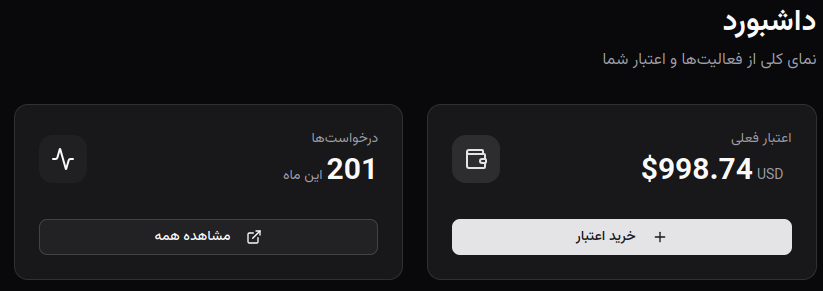
3. Use AI
First, you must visit the models page to see the list of available models, choose your preferred model to use, and copy its name. You can use the “Models” card on the panel home page or go to the following link:
Models List Then, to get an API key, go to the “API Keys” page. You can use the corresponding card on the panel home page or go to the following link:
Set a title for the new API key and then use the provided API Key and Base Url to develop your AI native applications or use them in tools that use OpenAI compatible AI.
Some popular tools where you can use this service include Kilo Code, 5ire Chat, n8n, and other similar tools.
To view documentation on how to use this service in different tools, you can use the sidebar navigation menu.
In the next page, you can find how to use the OpenAI compatible API using curl.